

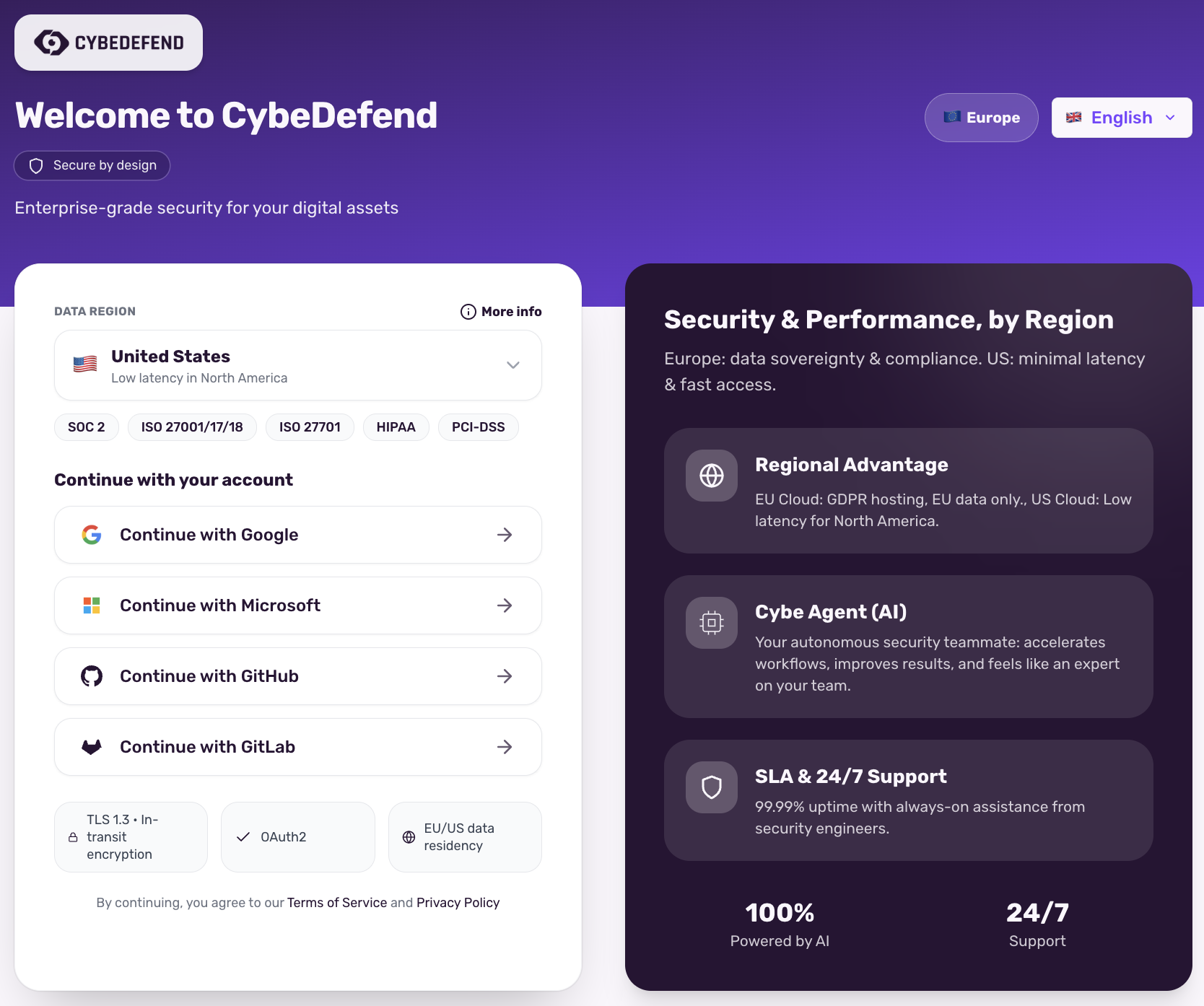
- European Cloud: hosted on SecNumCloud-qualified infrastructure (Scaleway), compliant with GDPR and European data protection law. Data is stored exclusively in Europe.
- US Cloud: hosted on Google Cloud, for organizations requiring low latency in North America. Data is stored in the United States.
SecNumCloud is a qualification awarded by the French ANSSI to a hosting provider, for a specific set of its services. It qualifies Scaleway, the infrastructure CybeDefend runs on in the EU region. CybeDefend’s own certification status is on our Security page.
Storage Options
European Cloud (SecNumCloud-qualified infrastructure)
- Location: Data stored exclusively in Europe
- Compliance: GDPR. Hosted on Scaleway infrastructure qualified SecNumCloud by ANSSI
- Sovereignty: Data never leaves European territory
- Transparency: Complete control and visibility over data location
US Cloud
- Location: Data stored in the United States
- Compliance: Meets US regulatory standards
- Performance: Optimized for low latency in North America
How It Works
- Organization Setup: Choose your preferred data storage region (Europe or US) during organization creation or in your settings.
- Data Localization: All scan results, vulnerability data, and project information are stored exclusively in your selected region.
- Compliance Assurance: Your choice ensures compliance with GDPR (Europe) or US standards.
- Transparency: Full visibility into where your data is stored and managed.
Benefits for Organizations
- Regulatory Compliance: Meet GDPR and SecNumCloud requirements in Europe, or US standards in North America.
- Data Sovereignty: Maintain complete control over data location—your data never leaves your chosen region.
- Transparent Governance: Full visibility into where your data is stored and processed.
- Flexible Choice: Switch between regions as your business or compliance needs change.
Related: Create Account & Select Region · LLM Usage & Privacy