

Create a Personal Access Token
- Log in to the CybeDefend web interface
- Navigate to Profile → Personal Access Tokens
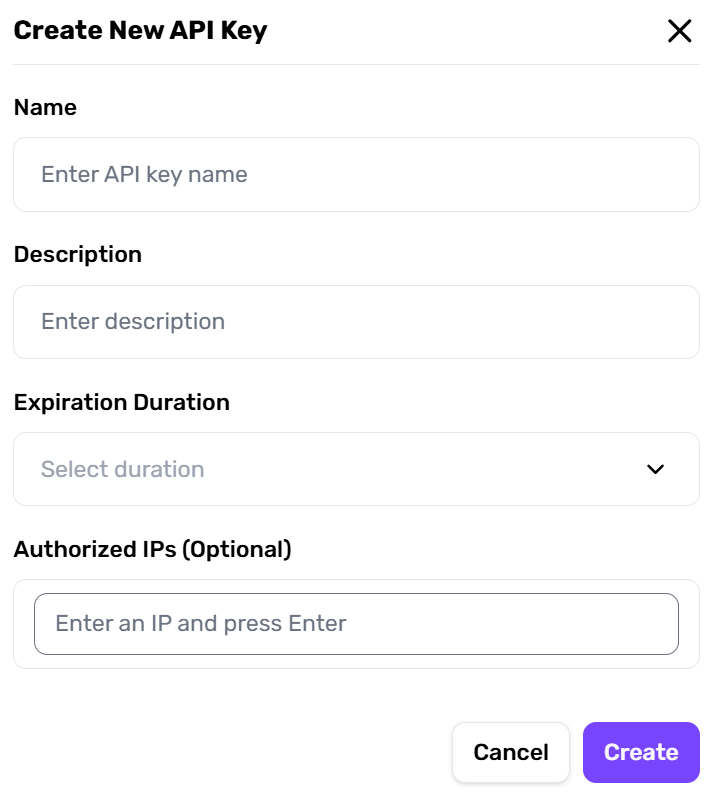
- Click + Create New Token, give it a name (e.g., “CLI Token”)
- Copy and store the token securely — it is shown only once
Store your PAT in a secure secrets manager or as an encrypted CI/CD secret. Never commit it to source control.
Authenticate the CLI with Your PAT
~/.cybedefend/credentials.json. Subsequent commands (scan, results…) use them automatically — no need to pass --pat every time.
Authenticate via OAuth (interactive)
For local development, you can also log in through your browser:Use a PAT Without Logging In
For CI/CD environments where persistent sessions are not practical, you can pass the PAT directly via environment variable — nocybedefend login step needed:
Credential Priority Order
When running any command, credentials are resolved in this order:--patflag (highest priority)CYBEDEFEND_PATenvironment variablepatfield in config file (config.yml)- Stored credentials from
cybedefend login
Logout
~/.cybedefend/credentials.json and clears the stored session.