> ## Documentation Index
> Fetch the complete documentation index at: https://docs.cybedefend.com/llms.txt
> Use this file to discover all available pages before exploring further.
# Create Account
> Learn how to create your CybeDefend account, set up an organization, and integrate your code repositories.
CybeDefend simplifies onboarding by allowing you to create an account through **OAuth2** (Google, Microsoft, GitHub, or GitLab). After signing in, you can form an **Organization** to group your projects and manage access. Once your repositories are connected, CybeDefend automatically starts scanning them.
***
## 1. Create an Account via OAuth2
1. **Go to the CybeDefend Registration Page**\
Choose the sign-up option of your choice (Google, Microsoft, GitHub, GitLab).
2. **Select Your Cloud Region**\
CybeDefend offers two sovereign cloud options to meet your compliance and performance needs:
**Optimized for GDPR compliance and data sovereignty**
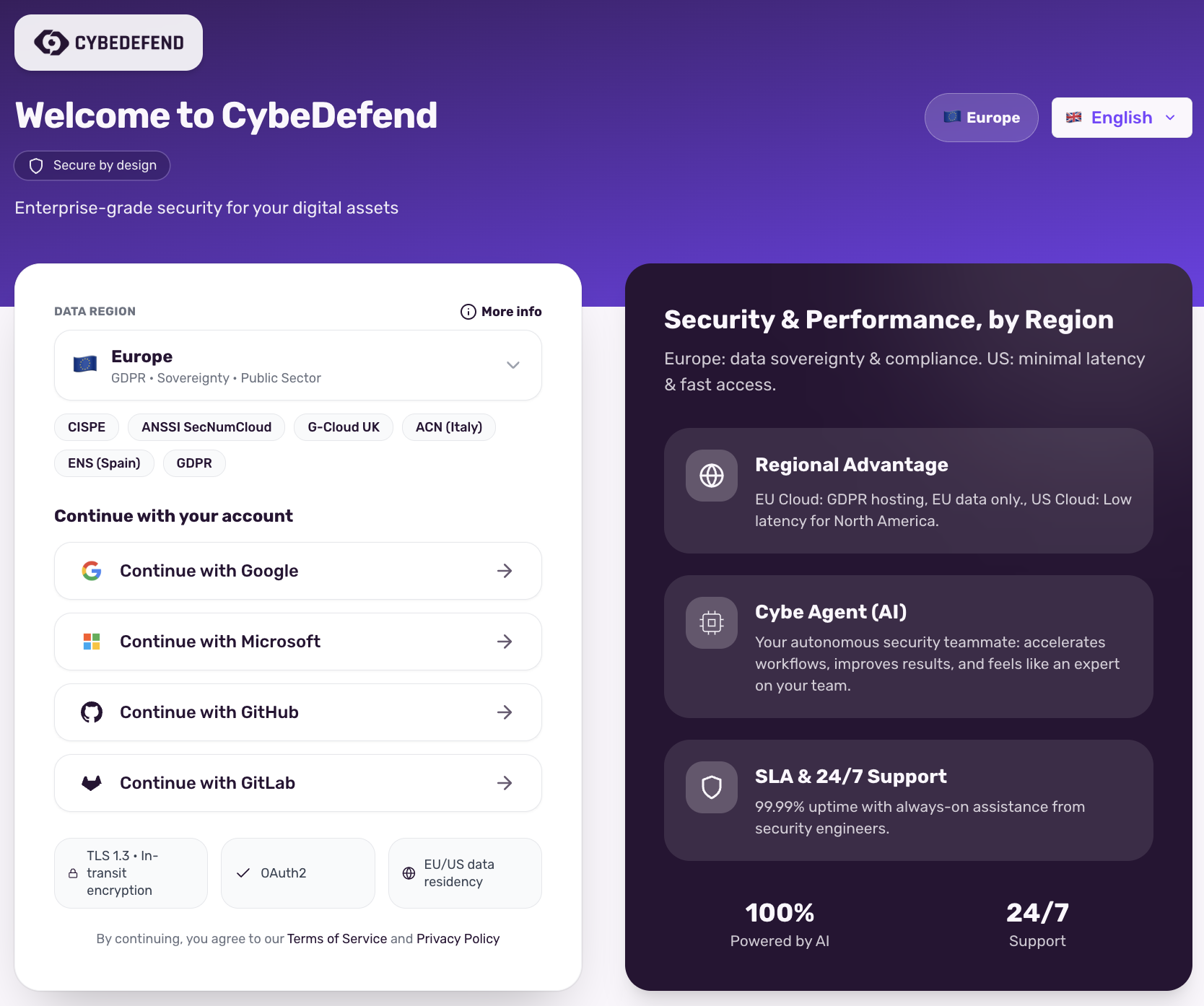 **Certifications & Compliance:**
* CISPE
* ANSSI SecNumCloud
* G-Cloud UK
* ACN (Italy)
* ENS (Spain)
* GDPR
* BSI KRITIS
* BSI C5
* ISO 27001/17/18
* ISO 27701
Choose Europe for full GDPR compliance and European data sovereignty requirements.
**Optimized for low latency in North America**
**Certifications & Compliance:**
* CISPE
* ANSSI SecNumCloud
* G-Cloud UK
* ACN (Italy)
* ENS (Spain)
* GDPR
* BSI KRITIS
* BSI C5
* ISO 27001/17/18
* ISO 27701
Choose Europe for full GDPR compliance and European data sovereignty requirements.
**Optimized for low latency in North America**
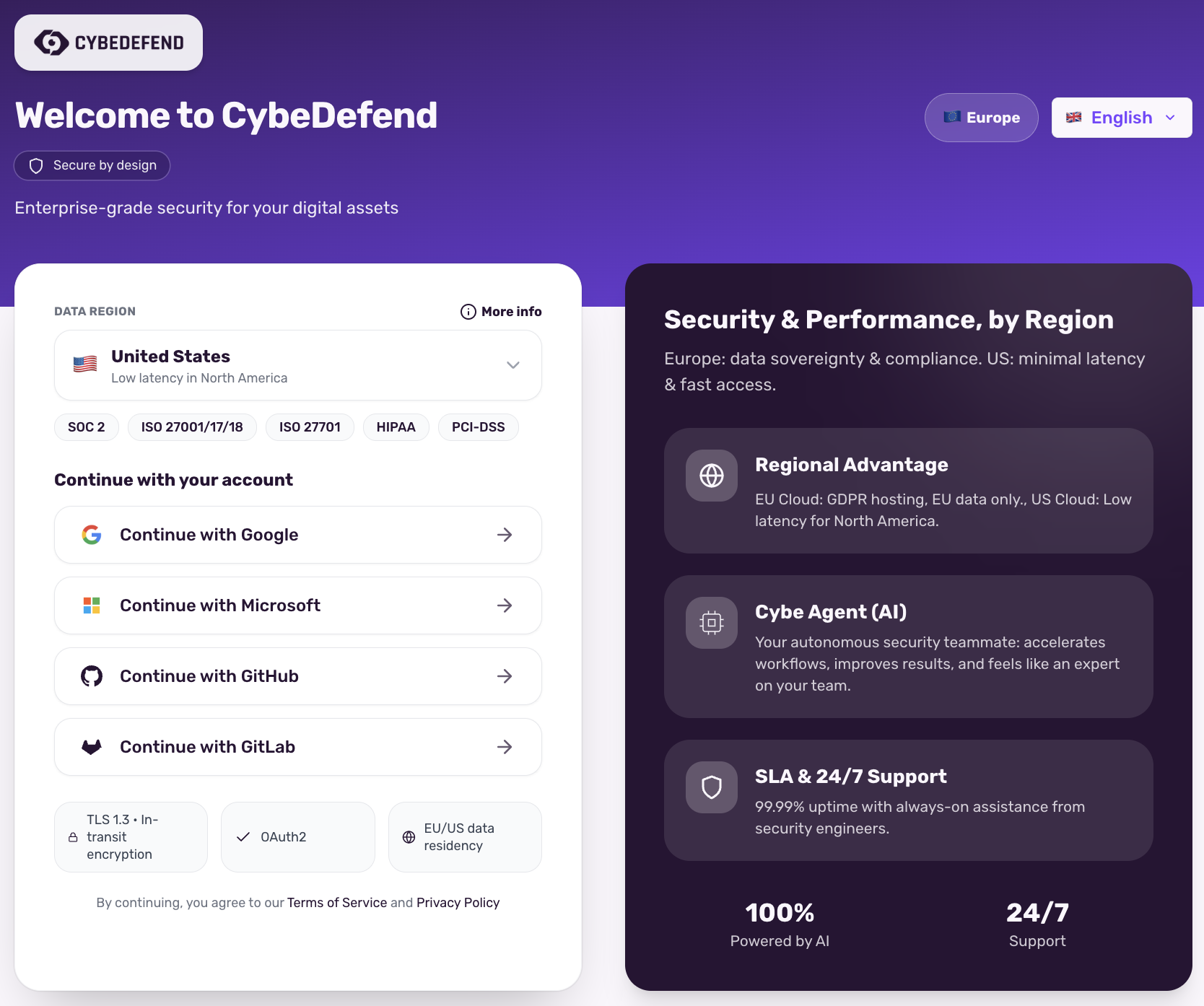 **Certifications & Compliance:**
* SOC 2
* ISO 27001/17/18
* ISO 27701
* HIPAA
* PCI-DSS
Choose United States for lowest latency in North America.
Your region selection binds IAM/Gateway endpoints at runtime.
3. **Authorize Your Credentials**\
OAuth2 ensures a secure handshake without requiring you to store new passwords.
4. **Complete Your Profile**\
Provide your name and agree to our Terms of Service to finalize your account creation.
Already have an existing OAuth provider account? The sign-up process is near-instant.
***
## 2. Create Your Organization
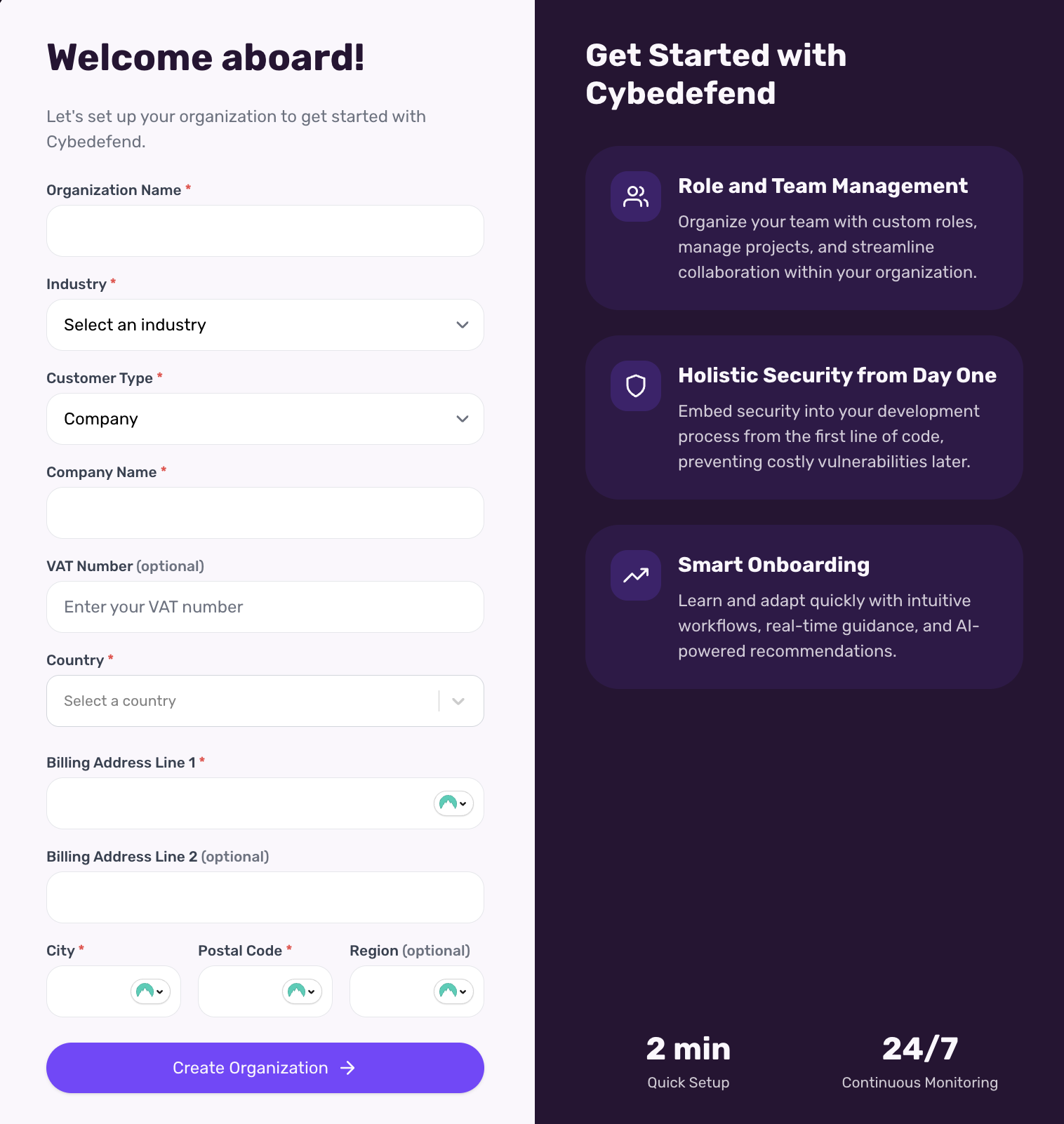
1. **Access the Form**\
After your first login, you’ll be prompted to create an **Organization**. Alternatively, visit **Organization Settings** → **New Organization**.
2. **Fill in Details**\
Provide an organization name, an optional description, and (if needed) a logo.
3. **Save & Continue**\
This sets up your top-level group where teams and projects will live.
**Certifications & Compliance:**
* SOC 2
* ISO 27001/17/18
* ISO 27701
* HIPAA
* PCI-DSS
Choose United States for lowest latency in North America.
Your region selection binds IAM/Gateway endpoints at runtime.
3. **Authorize Your Credentials**\
OAuth2 ensures a secure handshake without requiring you to store new passwords.
4. **Complete Your Profile**\
Provide your name and agree to our Terms of Service to finalize your account creation.
Already have an existing OAuth provider account? The sign-up process is near-instant.
***
## 2. Create Your Organization
1. **Access the Form**\
After your first login, you’ll be prompted to create an **Organization**. Alternatively, visit **Organization Settings** → **New Organization**.
2. **Fill in Details**\
Provide an organization name, an optional description, and (if needed) a logo.
3. **Save & Continue**\
This sets up your top-level group where teams and projects will live.
 You can create multiple organizations if you manage different companies, clients, or environments.
***
## 3. Connect Your Repositories
1. **Select Your Version Control Platform**\
CybeDefend supports GitHub. Check out our [Detailed Integration Guides](/latest/get-started/connect-your-source-code/connect-github) for each platform.
2. **Authorize Access**\
Approve read (and optionally write) permissions so we can scan your code.
3. **Pick Your Repositories**\
Choose which repos to include in your **Organization**. You can assign them to specific teams or projects later.
4. **Instant Scanning**\
As soon as you connect a repository, CybeDefend triggers an initial scan, identifying potential vulnerabilities.
You can create multiple organizations if you manage different companies, clients, or environments.
***
## 3. Connect Your Repositories
1. **Select Your Version Control Platform**\
CybeDefend supports GitHub. Check out our [Detailed Integration Guides](/latest/get-started/connect-your-source-code/connect-github) for each platform.
2. **Authorize Access**\
Approve read (and optionally write) permissions so we can scan your code.
3. **Pick Your Repositories**\
Choose which repos to include in your **Organization**. You can assign them to specific teams or projects later.
4. **Instant Scanning**\
As soon as you connect a repository, CybeDefend triggers an initial scan, identifying potential vulnerabilities.
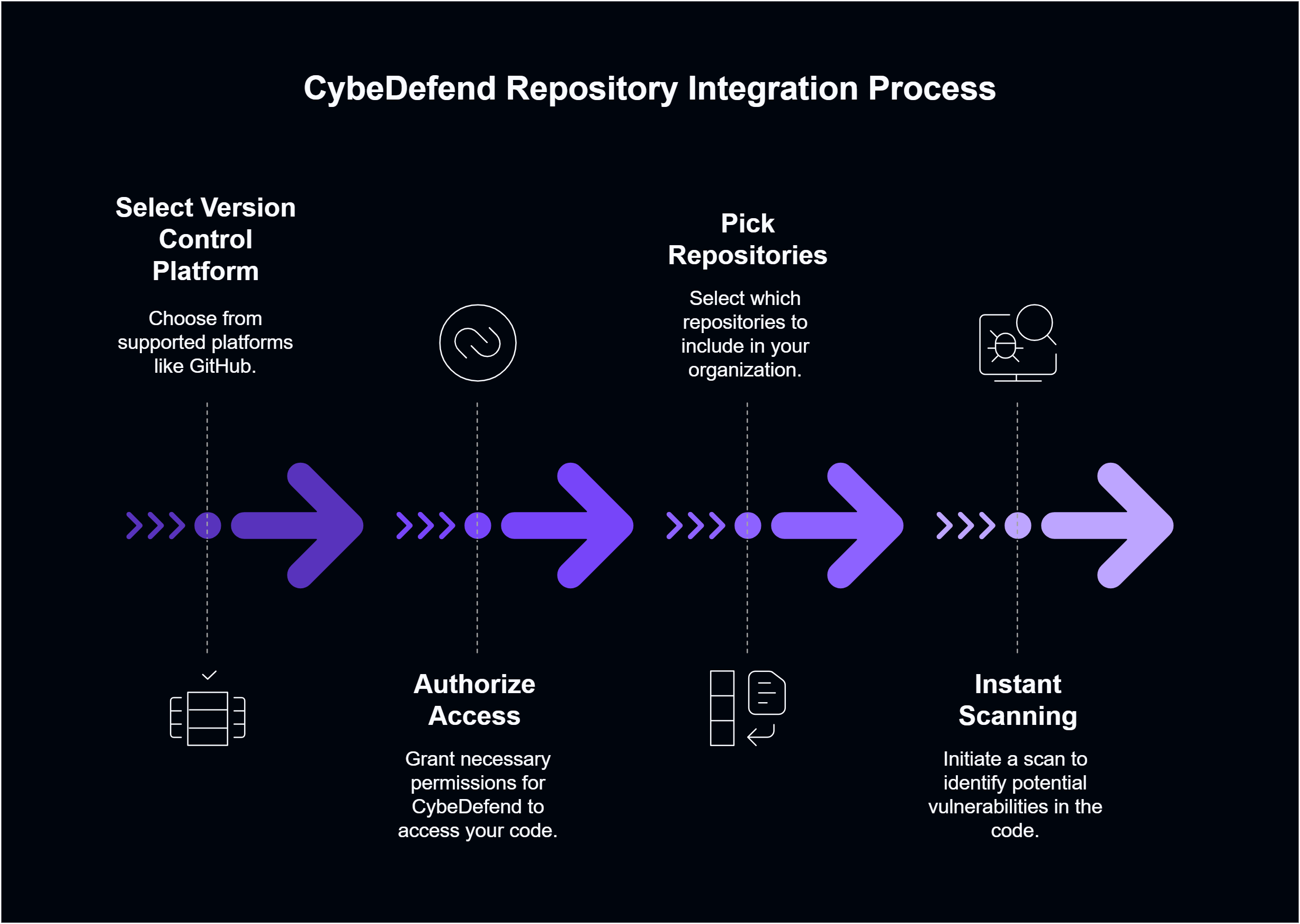 Once your repositories are connected, scans start automatically—no extra steps required.